terminal delights
fine dining
I invite you to some fine dining … in my terminal.
Setup
While the initial iterations of this post wanted to be a showcase of all the cool commands I run, I realized it would be a bit more mature and optimal if I could also use this as a way to record good habits in the terminal.
So before I show you all the cool commands around, it is probably best if I go around showing how my computer is configured as it’ll provide the right context while I go through some of the entrées at the dining table.
System Information
Internet speed test
From maaslalani/fast (which is based on fast.com):
Very neat.
Fastfetch
fastfetch is a lot more popular, and I’m honestly guilty of not running this more often. It’s mainly a system information tool. Running this recently reminded me to go run garbage collection on my Nix store:
(I finally get to keep the Apple logo without the code-block font squishing it.)
Utilities
Change directory
This one is also quite popular: ajeetdsouza/zoxide.
It’s honestly quite magical.
Opening files
Perhaps the last one convinced you that even the most basic things can be upgraded. But “opening files”?? Really?
Yep. I’ve usually only used the regular open in Zshell when it’d be easier for my to type open <name>.png than copying the path and pasting into Finder cmd+G and double-clicking the file to let the default app (Preview) open it. For example, every time I wanted to open generated images in my raytracing project, it saved me a ton of time.
After I first installed Nushell, I found perhaps a bit too late that it comes with a couple of default commands that takes precendence in $env.PATH. One of them being open.
Ever since I switched to Nushell, I found its open command to be mostly a hindrance because it just didn’t function at all like Zshell’s open command. For example, it didn’t work the same way on .png files to open Preview. So I kept finding myself running ^open <name>.png because ^ escapes Nushell default commands and finds the next binary on the $env.PATH. However, once I found what it was capable of, I immediately started using it.
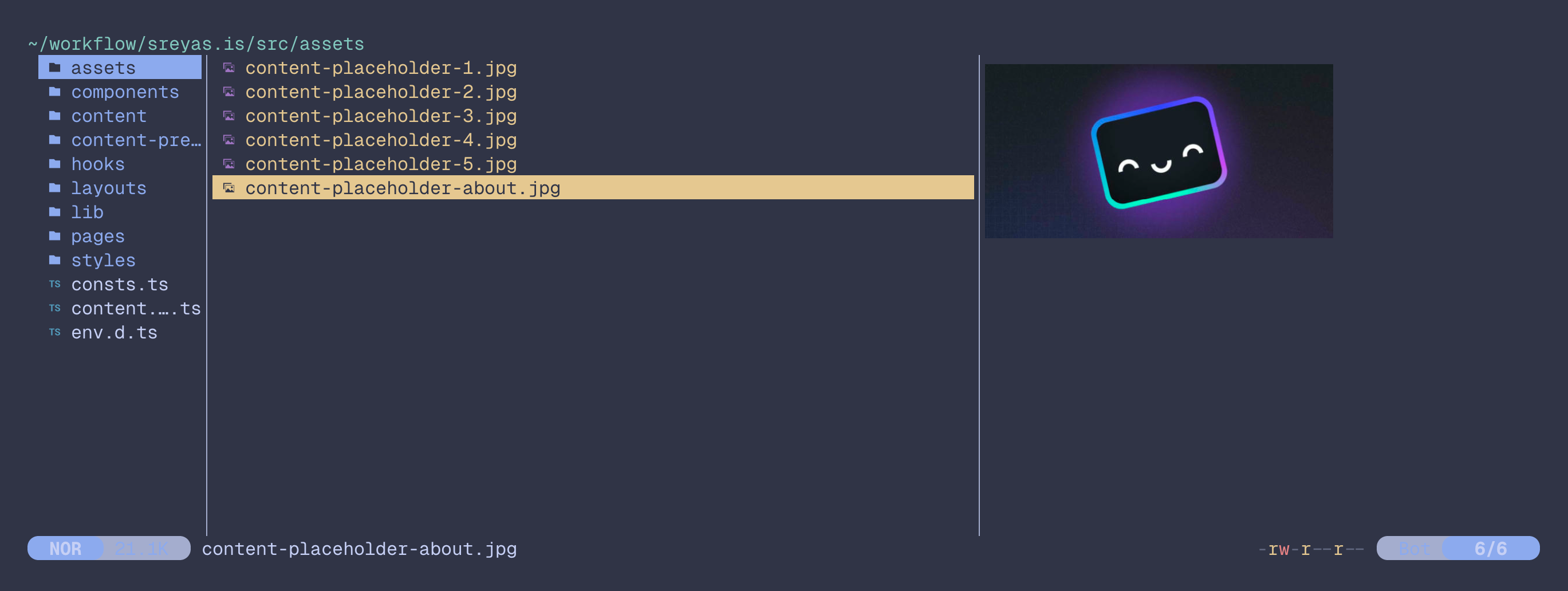
Yazi
Running yazi:
Fun
Typing test
From lemnos/tt:
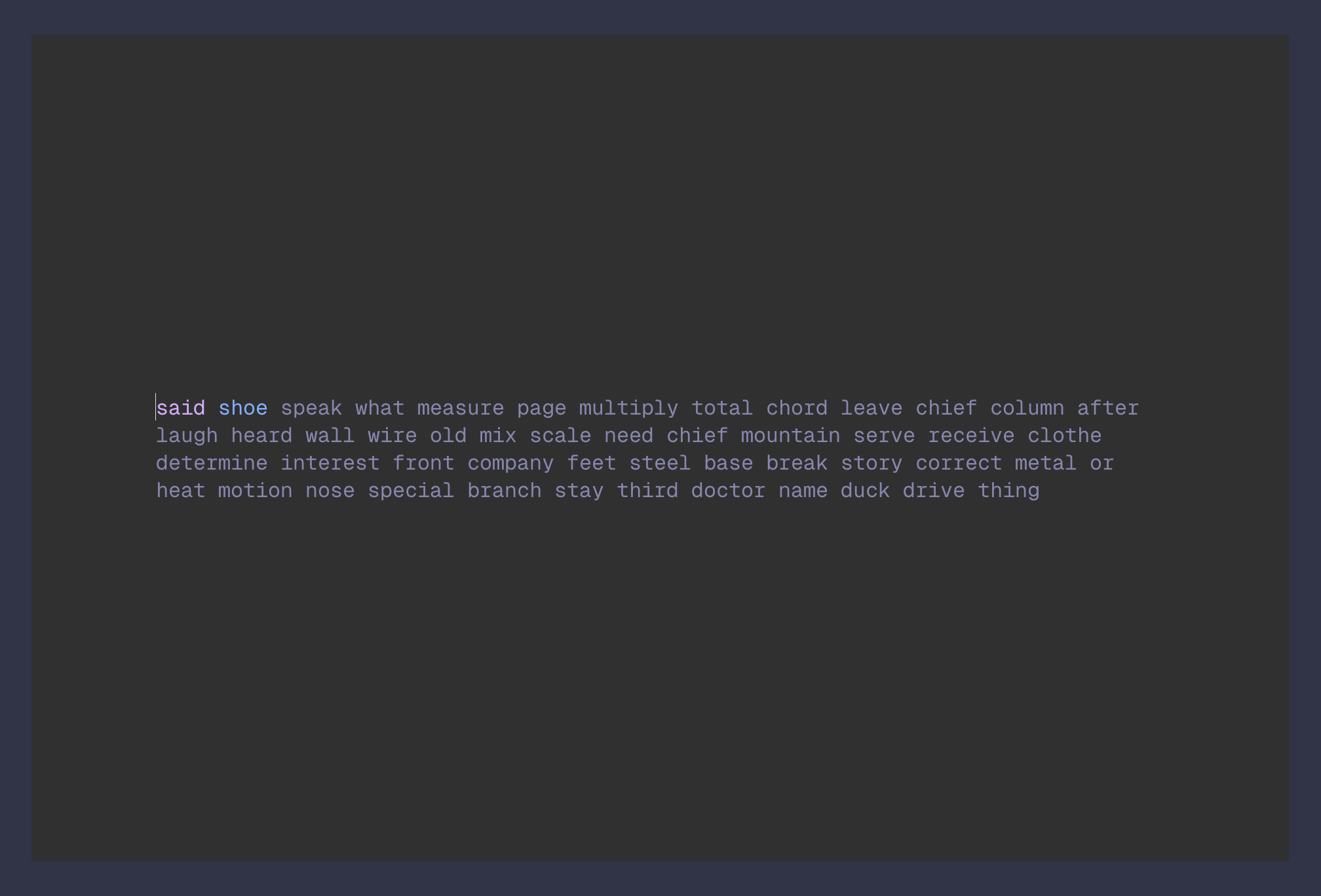
A nerdier version of monkeytype
You can run in the format of tt -n 10 for a 10-word test or tt -t 20 for a 20-second test. Also, I have my system configured so that tt is an alias to tt -theme catppuccin-frappe, which itself is derived from a custom theme file written @ ~/.tt/themes/catppuccin-frappe.